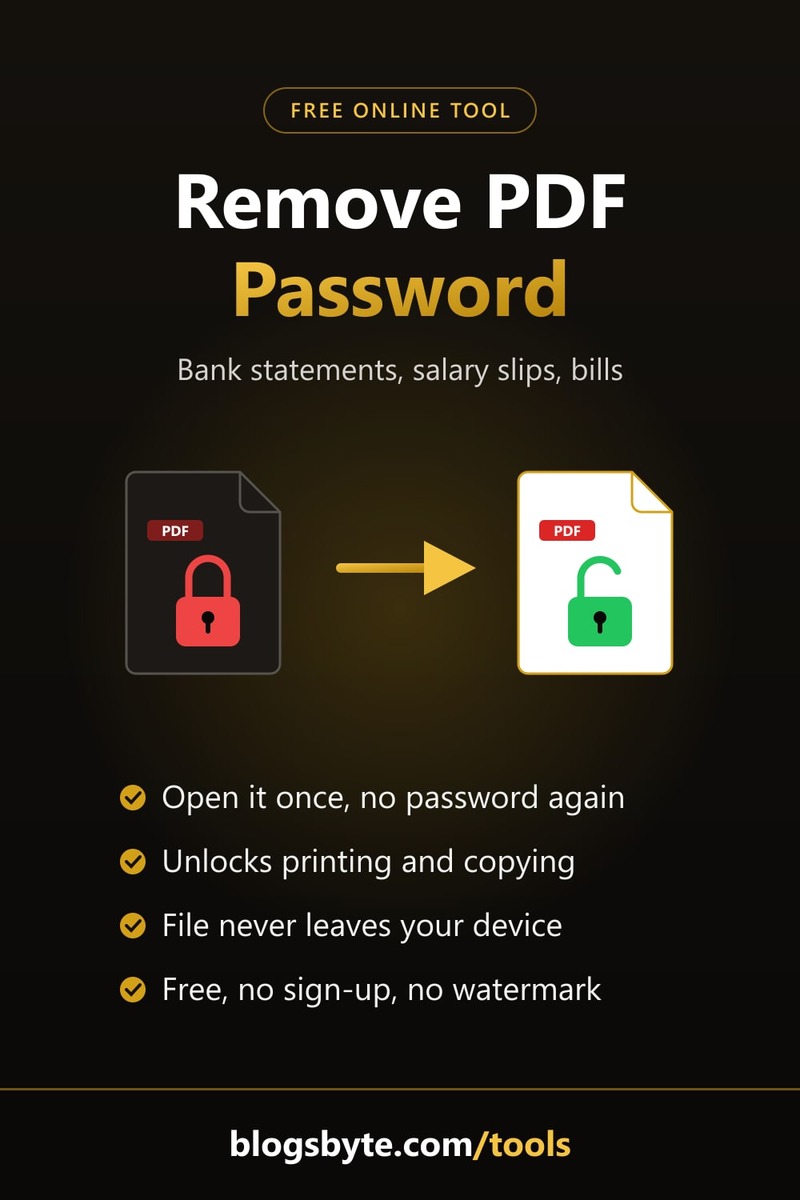
Remove the password from a bank statement PDF
Banks, telecoms and utility companies email statements as password-protected PDFs — usually a mix of your name, date of birth, account or CNIC digits. That's fine the first time, but annoying when you need to open, share or upload the file again and again.
Enter the password you already use once, and you get an unlocked copy that opens with a double-click. Because the file never leaves your device, it's a safer choice for financial documents than sites that upload them to their servers. Locked files are also the most common reason AI study tools reject an upload, as we explain in NotebookLM vs ChatGPT for studying.
Unlock a PDF for printing, copying or editing
Some PDFs open normally but won't let you print, copy text or fill in forms. That's an “owner password” with restrictions. You don't need any password for these: drop the file in and click “Remove restrictions”, and you'll get a copy you can print and edit freely.
What this tool won't do
It won't crack, guess or bypass a password you don't know. If a PDF won't open for you, it won't open here either. That's deliberate: it keeps the tool fair to document owners and safe for everyone. For your own files, ask the sender or check their email for the password format they use.
Strong encryption, handled locally
It supports every standard PDF encryption type, including AES-128 and AES-256, using qpdf — a trusted open-source PDF library — running inside your browser. Only the encryption is removed; pages, text, images, links and bookmarks stay exactly as they were.